
Introduction
Smartsheet for logistics solves a common operational pain: too much demand, little visibility and deadlines that change without warning. When the routine involves receiving, sorting, shipping, transportation and delivery confirmation, any failure to follow up becomes delays, rework and costs.
The strength of the tool is in transforming dispersed activities into a single flow of control. Instead of loose spreadsheets and lost messages, the team sees status, responsible parties, dates and dependencies in one place. This helps to prioritize what is stuck, anticipate risks and keep the operation moving forward with less improvisation.
Smartsheet for logistics in operational routine
In logistics, what matters most is not just the number of tasks, but the number of crossing points. An order leaves the store, enters stock, goes through separation, goes on to transport and still needs delivery confirmation. If each step is on a different channel, the chance of noise grows quickly.
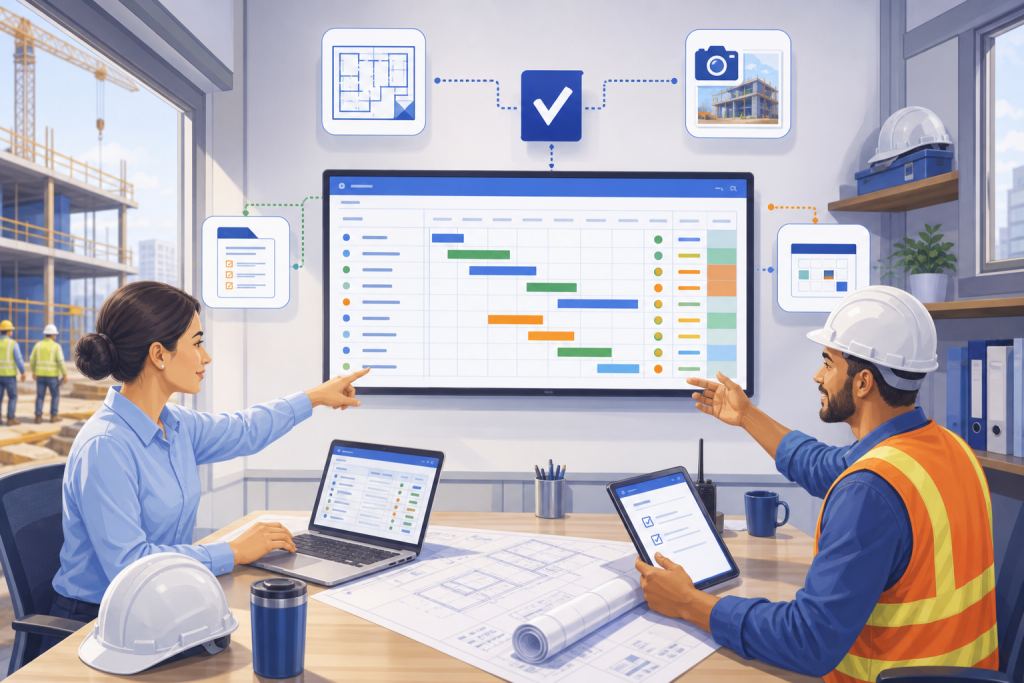
Smartsheet for logistics works well precisely because it provides insight into the process. It is possible to track orders by status, assign responsible parties, set collection dates, record occurrences and create alerts for critical items. This reduces dependence on manual billing and makes the operation more predictable.
In practice, the tool helps answer simple but decisive questions: what is late, who is pending, which route requires attention and which deliveries are at risk of falling behind schedule. In medium or high volume operations, this clarity is often worth more than any poorly configured sophisticated automation.
Where Smartsheet comes into niches other than logistics
The same logic applies to very different contexts. In distribution centers, the focus tends to be receiving, checking and shipping. In transportation, the center of attention is the collection schedule, delivery windows and occurrence events. In e-commerce operations, monitoring needs to be finer, because the end customer expects constant updates.
There are also uses in reverse logistics, supplies and field operations. In reverse, the tool can control returns, inspections and reprocessing. In supplies, it helps monitor purchases, replacements and lead time. In external operations, it is used to organize teams, routes and evidence of execution.
This niche look avoids a common mistake: trying to use the tool as if all operations were the same. Each sector requires a type of visibility. What changes is the combination between status, responsible, deadline and exception. This is what defines whether management becomes light or becomes another layer of bureaucracy.
Comparisons that help you decide
Smartsheet is often most useful when your operation requires visual control, collaboration, and frequent updating. It works better than a static spreadsheet when many people need to feed the same database and make decisions based on it.
Compared to a simple spreadsheet, the advantage lies in operational scalability: automations, alerts, permissions, history and integration with other routines. Compared to an ERP, Smartsheet does not replace the transactional system, but it covers the monitoring layer very well, which is usually precisely where bottlenecks arise.
Therefore, the decision is not ‘to use or not to use’, but in which layer it enters. If the pain is an operation without visibility, it delivers a lot. If the need is billing, accounting stock or tax issuance, then its role is complementary, not central.
When the operation really gains pace
The real gain appears when the team starts to trust the panel. Without this, the platform becomes just another place to fill in data. With a clear update rule, well-defined fields and appointed managers, monitoring no longer depends on memory, and the routine becomes cleaner.
Good use of Smartsheet for logistics also improves communication between areas. Commercial stops promising without seeing the capacity. Expedition begins to signal restrictions early. Transport sees priorities in advance. And leadership is able to act before the problem becomes a customer complaint.
It is this type of use that makes the tool worth the initial configuration effort. It doesn’t eliminate logistical complexity, but it organizes the conversation around it. And in operation, clarity is often the first step to gaining speed.
Main points
- Smartsheet for logistics helps you concentrate status, responsible parties and deadlines in a single flow.
- The tool is especially useful when there are many stages, teams and waypoints.
- It does not replace an ERP, but it strengthens the operation monitoring layer.
- Alerts, automations, and visualizations make it easier to identify delays and exceptions.
- The best results come from simple processes, objective fields and a disciplined update routine.
How to put it into practice
- Map the main stages of the operation: receipt, separation, dispatch, transport and confirmation.
- Define a standardized status for each type of demand.
- Create mandatory fields for person responsible, deadline, priority and observation.
- Set up alerts for overdue tasks and critical deliverables.
- Create a dashboard per area, instead of a generic view for everything.
- Review the most recurring bottlenecks weekly.
- Use history to identify delay patterns and areas for improvement.
Comparison of use in logistics
| Scenario | What to control | Where Smartsheet helps |
|---|---|---|
| Common Spreadsheet | Simple lists and basic deadlines | Collaborative updating and more organized vision |
| Smartsheet | Demands, responsible, status and alerts | Real-time tracking and better coordination |
| ERP | Registration, inventory, tax and transactions | Complements operational monitoring |
Conclusion
Smartsheet for logistics makes sense when the problem is not just volume, but lack of coordination. If the operation wastes time finding out where each demand is, the tool helps bring order without slowing down the work.
The value is less in the technology itself and more in the way it organizes execution. When the status, deadline and person responsible are clear, the operation gains pace, and the team is able to work with less noise and more predictability.
For those who deal with delivery, transportation, inventory or reverse, this clarity is often the difference between putting out fires all day long and safely controlling the flow.
Next step
If your logistics operation needs more visibility, less noise and real control over demands and deliveries, it’s worth structuring a flow in Smartsheet with clear steps, alerts and defined responsible parties.
FAQ
Is Smartsheet for logistics suitable for small businesses?
Yes. In smaller operations, it helps provide visibility without requiring a complex structure. The gain appears when several tasks depend on daily monitoring.
Does Smartsheet replace an ERP in logistics?
No. It serves best as a layer of operational control and collaboration. For tax, financial and registration processes, ERP continues to be the basis.
Which areas of logistics benefit most from the tool?
Shipping, transportation, receiving, reverse logistics, supplies and incident monitoring usually benefit greatly from well-configured use.
What else hinders the use of Smartsheet in your operation?
Too many fields, confusing statuses and lack of update routine. If the team does not feed the base with discipline, the vision quickly loses value.
Is it worth integrating Smartsheet with other systems?
Yes, when the operation needs to avoid rework and crossing data with other areas. Integration makes more sense when the process is already minimally organized.


