


























Quick Guide for Decision Makers
How to Choose Smartsheet with TaskIT Support
TaskIT helps companies transform Smartsheet into a governed work management layer: connected processes, executive visibility, automations, permissions, and adoption support. The goal is not just to purchase a tool, but to build an operating model that reduces manual follow-up and improves predictability.
When it makes sense
- Your company still manages critical work using spreadsheets, email, and meetings.
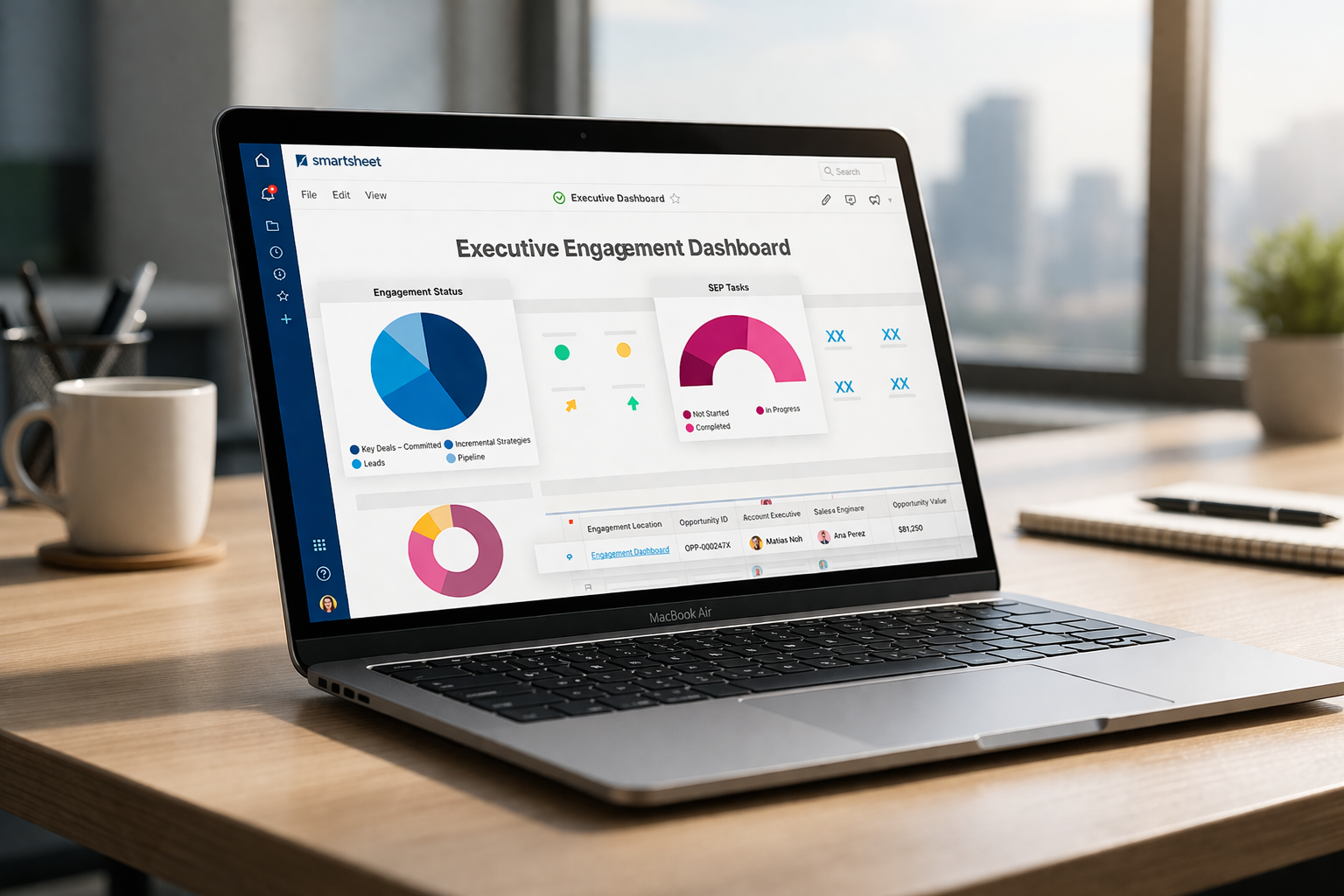
- Leaders need reliable dashboards so they don't have to ask for manual status updates every week.
- Project, operations, IT, PMO, or finance teams need standardized workflows and approvals.
What TaskIT Offers
- Assessment of current processes and the Smartsheet solution architecture.
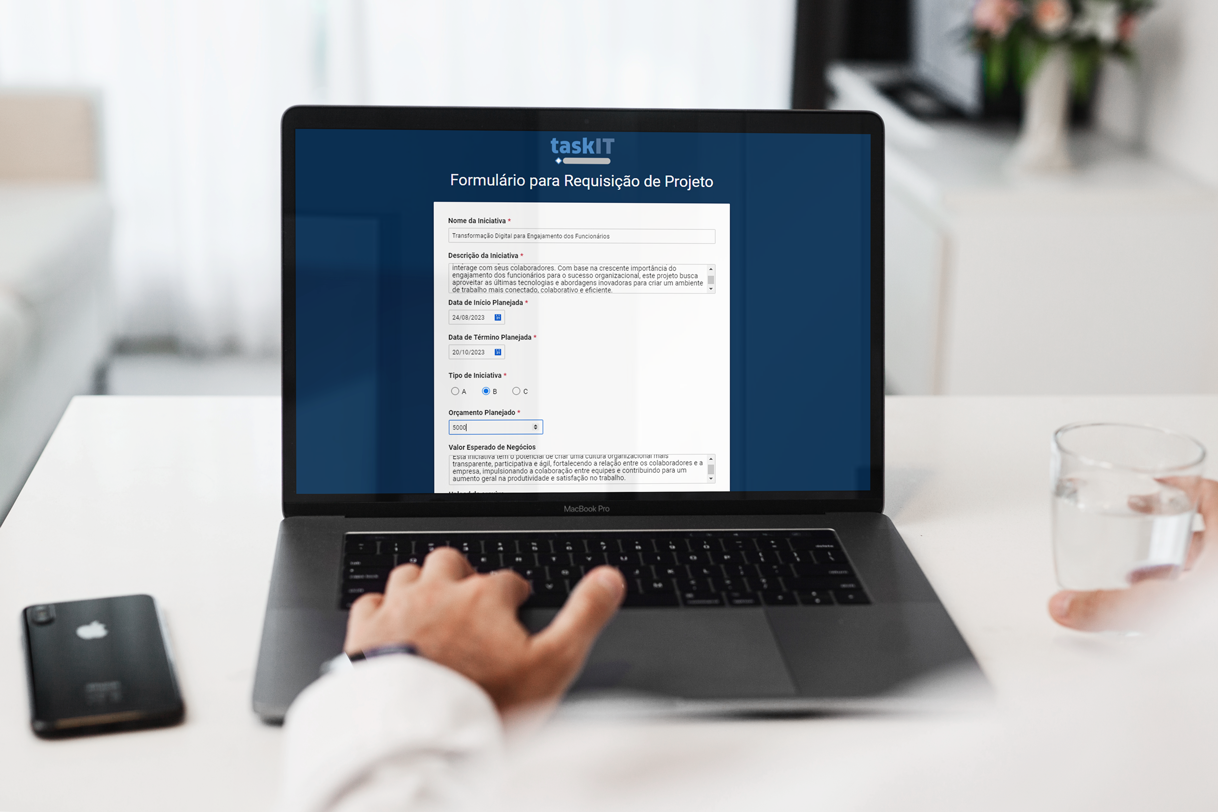
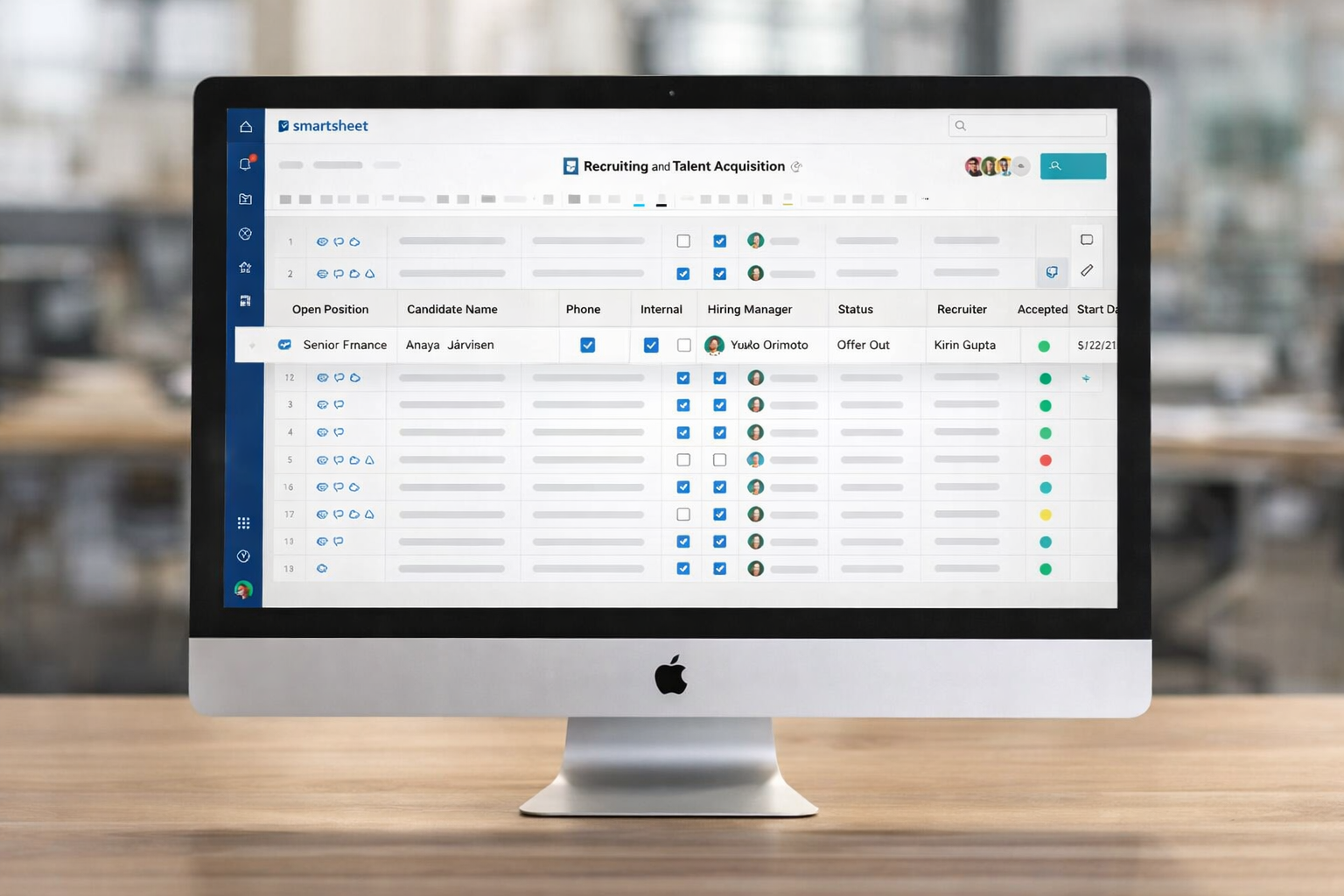
- Implementation of spreadsheets, reports, dashboards, forms, automations, and permissions.
- Training, support, and continuous improvement to increase adoption and governance.
Frequently Asked Questions
- What does TaskIT do with Smartsheet?
- TaskIT supports companies with Smartsheet licensing, implementation, automation, training, and ongoing improvement, connecting business processes to a more transparent and well-managed way of working.
- Can Smartsheet replace Excel?
- In many scenarios, Smartsheet reduces reliance on isolated spreadsheets by combining collaboration, automation, dashboards, forms, and permissions in a shared environment.
- Which team should sponsor a Smartsheet project?
- PMO, operations, IT, finance, and business teams can sponsor it. The best sponsor is the department that is most affected by manual processes, low visibility, or non-standardized procedures.
- Where should we start?
- Start with a diagnostic: map processes, prioritize use cases, estimate the number of licenses needed, and define an initial release with a clear business impact.
See also: Smartsheet consulting | Smartsheet licenses | Smartsheet training
Last updated: May 2026.
Next Steps
Explore the TaskIT Smartsheet cluster
Continue along the path that works best for your team: diagnosis, demonstration, implementation, automation, dashboards, training, or templates.
Decision Summary
What a company should assess before scaling up Smartsheet
Antes de ampliar o uso do Smartsheet, a empresa deve validar se existe um processo prioritário, um patrocinador claro, uma regra de governança e um modelo de suporte. A TaskIT organiza esses pontos para que Smartsheet não seja apenas uma ferramenta nova, mas uma base operacional para projetos, demandas, aprovações e indicadores.
A decisão costuma envolver licenças, desenho de processos, treinamento e integrações. Quando esses elementos são tratados juntos, a adoção é mais rápida e a liderança recebe informações mais confiáveis.
Selection criteria
- Determine which processes are included first and which are excluded from the initial scope.
- Separar usuários criadores, aprovadores, colaboradores e leitores.
- Padronizar nomenclatura, permissões, ownership e ciclo de revisão.
- Mapear dashboards que realmente apoiam decisões executivas.
- Planejar treinamento para usuários finais e administradores internos.
Signs that this approach makes sense
| Situação | Expected impact |
|---|---|
| Status depende de reuniões semanais | Dashboards e reports reduzem cobrança manual. |
| Aprovações ficam em e-mail | Automações tornam o fluxo rastreável. |
| Cada área usa uma planilha diferente | Standardized models improve comparability. |
| Projetos crescem sem governança | Permissões e convenções reduzem risco operacional. |
Last updated: May 2026.