
Treinamentos Smartsheet para equipes e empresas

Smartsheet Training

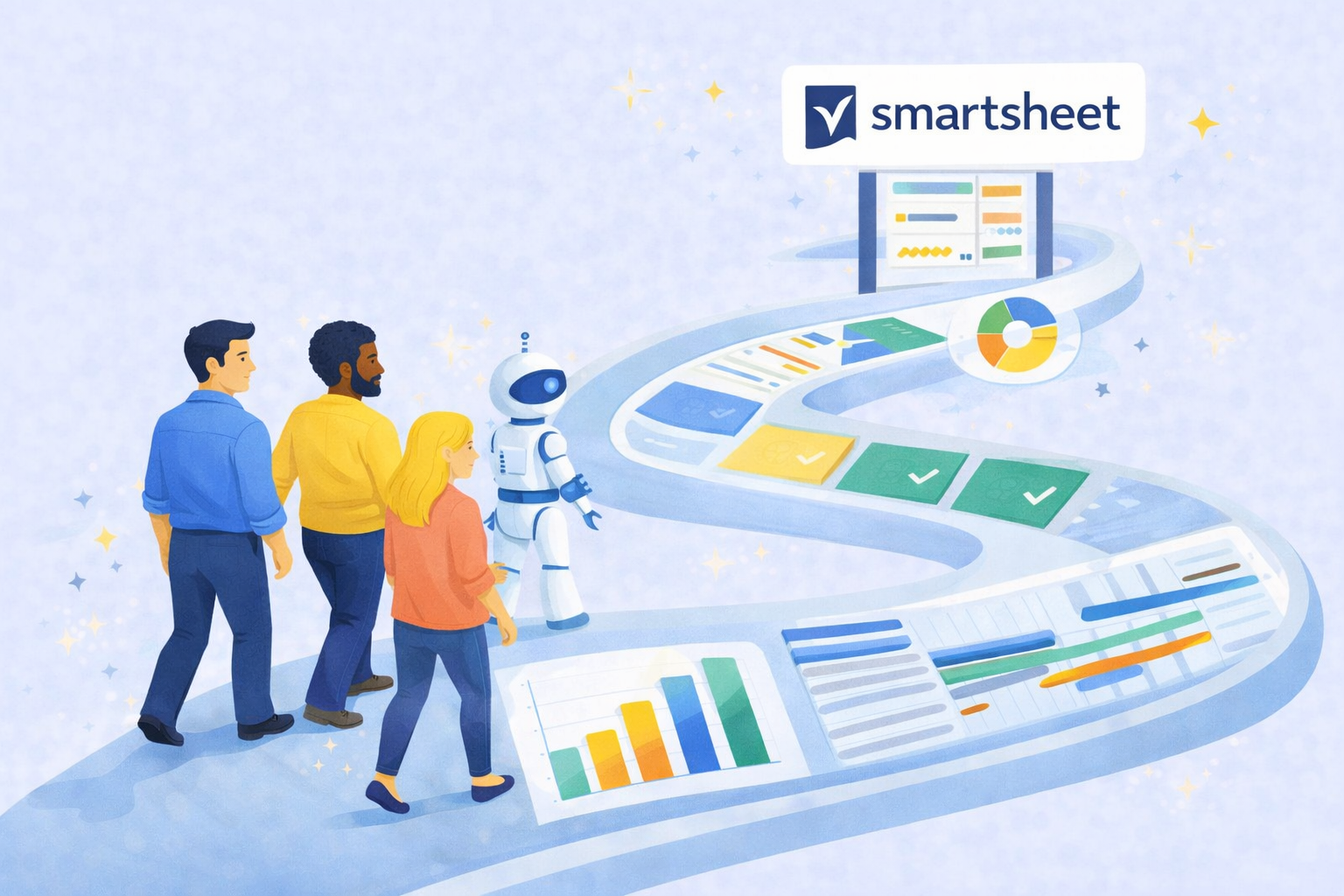
Imagem institucional TaskIT Smartsheet
Smartsheet Day
Learn the basics of Smartsheet remotely with this self-paced online course!
In this journey, you’ll learn the basics of Smartsheet As you go through four adventures, you’ll also have the help of an expert serving as your Guide!
Imagem institucional TaskIT Smartsheet
Introduction to Smartsheet
Learn the concepts and how to navigate and use Smartsheet in your daily routine
Join our instructors to explore the countless possibilities that only the best project management tool can offer you!
Imagem institucional TaskIT Smartsheet
Smartsheet Intermediate
Build a solid foundation in using Smartsheet and take your skills to the next level
Designed for those who already have a basic understanding of how to navigate the platform, this course is the next step toward optimizing your work processes.
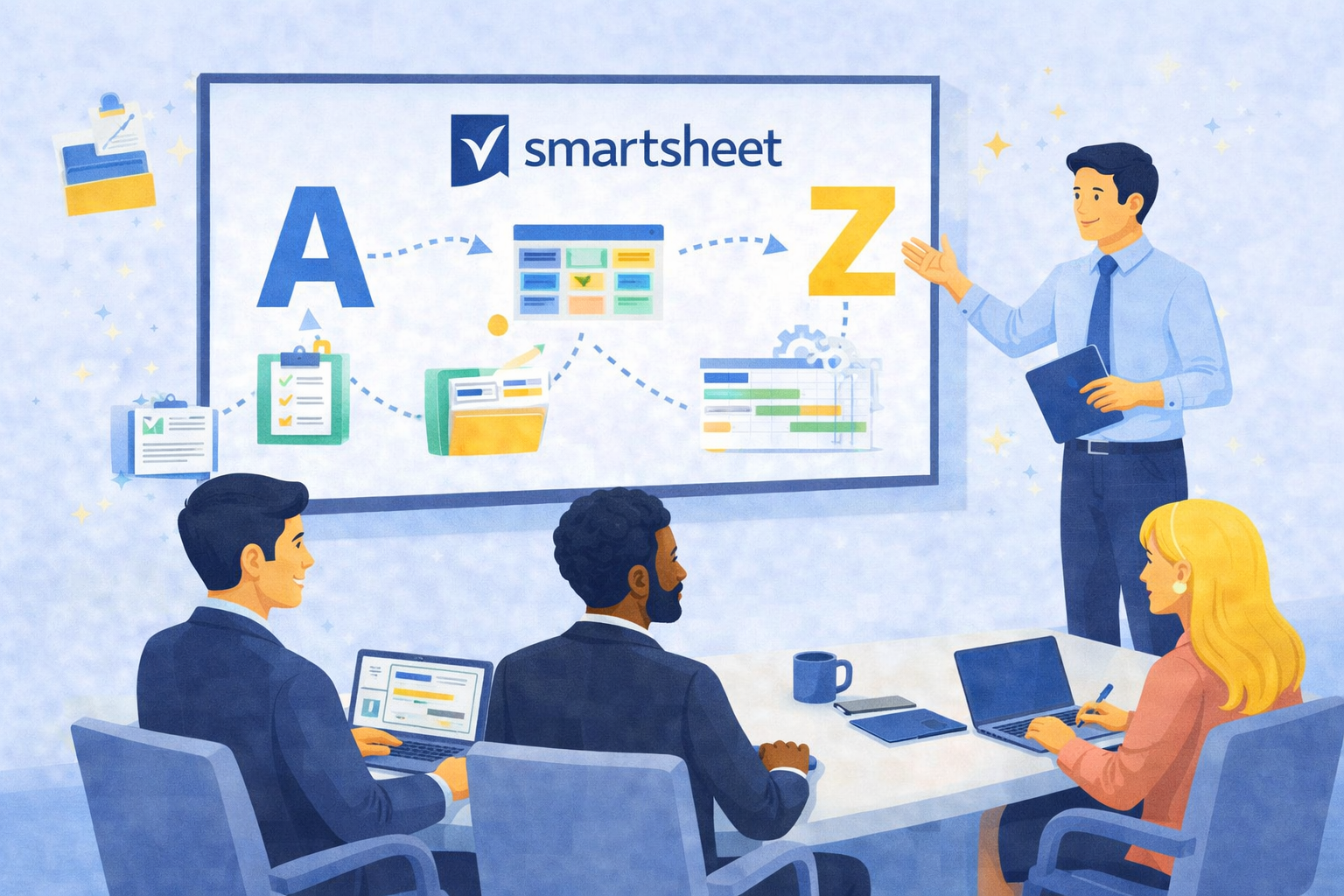
Imagem institucional TaskIT Smartsheet
Smartsheet from A to Z
Start with the basics and work your way up to creating synergy between data by linking spreadsheets and dashboards.
With guidance from certified professionals, learn everything from basic navigation concepts to using formulas with multiple functions.
Imagem institucional TaskIT Smartsheet
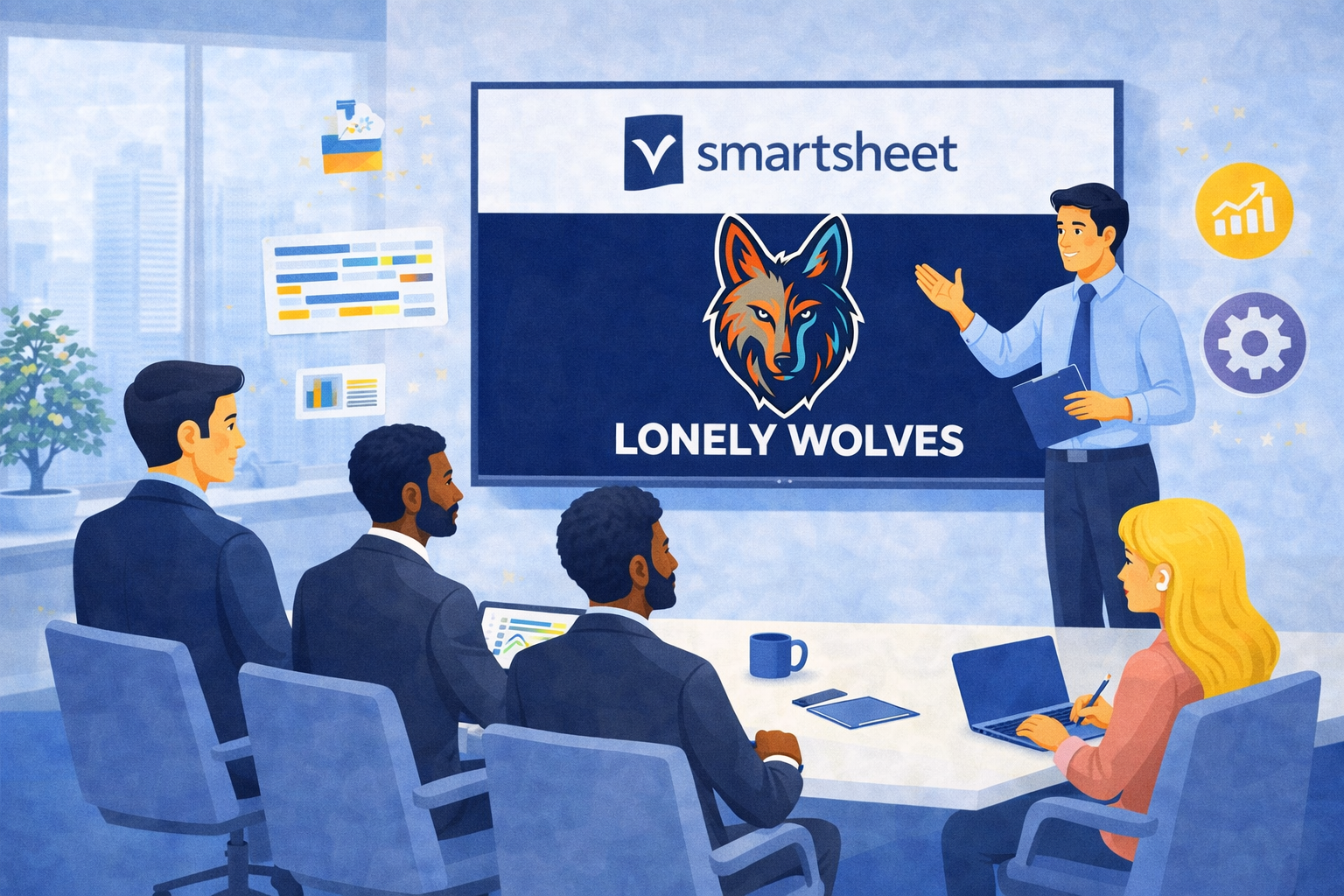
Lonely Wolves
Lonely Wolves is a course focused on the practical and personalized development of Smartsheet skills.
Designed for professionals who want to use the tool in a more strategic and independent manner, the course combines applied theory, guided exercises, and expert support.
Imagem institucional TaskIT Smartsheet
Design Desk
A package of training hours, which can be used to conduct specific and dynamic training sessions
Design Desk is a training program designed to be fully tailored and customized based on the needs identified during your initial consultation.
Testimonials

What our customers say about us

Questions & Answers

Everything you need to know about Smartsheet and TaskIT

Do you have questions about how Smartsheet can transform your business? We’ve compiled the most common questions to help you understand how TaskIT works and how we can support your business in improving processes, boosting productivity, and gaining greater control over operations.
Sales Department

(888) 4000-2424

What does TaskIT do?
TaskIT is a consulting firm specializing in Smartsheet solutions, offering services ranging from license sales to implementation, training, and ongoing support for companies looking to improve their process management and productivity.
Yes, TaskIT’s primary focus is Smartsheet, and the company is even a Gold Partner of the platform. The company works to unlock the tool’s full potential, including integrations with other systems and customizations tailored to the client’s needs.
TaskIT offers strategic consulting, solution implementation, in-person and online training, as well as ongoing support and improvements. All of this is focused on increasing productivity, organization, and data-driven decision-making.
The company analyzes your processes, understands your needs, and implements solutions in Smartsheet to automate workflows, centralize information, and improve project management, making it easier for teams to do their work.
Yes. TaskIT serves everyone from small teams to large organizations, tailoring its solutions to each client’s level of maturity and complexity.
Yes. In addition to implementation, TaskIT provides ongoing support, incremental improvements, and monitoring to ensure that the solution continues to deliver results over time.

Smartsheet training

Smartsheet training for real team adoption

Smartsheet training should prepare users to work better, not only to know where buttons are. TaskIT structures learning paths by level and goal: fundamentals, intermediate use, advanced resources, administration, automations, dashboards and best practices to sustain the platform every day.

When it makes sense

  • Users received licenses but still do not use the platform with confidence.
  • The company wants to standardize knowledge across areas, PMO, operations and leadership.
  • There is a need to prepare internal administrators and multipliers.

What TaskIT delivers

  • Learning paths by level: introduction, intermediate, advanced and specific journeys.
  • Practical exercises with sheets, reports, forms, dashboards and automations.
  • Guidance for governance, best practices and continuity after training.

Frequently asked questions

Who should take Smartsheet training?
End users, managers, PMOs, administrators and teams that will create or maintain Smartsheet solutions benefit from structured training.
Is training different from consulting?
Yes. Training develops user autonomy; consulting designs and implements solutions. Many companies combine both to accelerate adoption.
Which path should we choose?
The choice depends on the user role. Beginners need fundamentals; creators and administrators need automation, dashboards, permissions and governance.
Can training use company examples?
Yes. Examples close to the daily routine increase retention, transfer to work and platform adoption.

Last updated: May 2026.

Decision summary

Treinamento Smartsheet orientado a adocao

Treinamento Smartsheet funciona melhor quando conecta recursos da plataforma a tarefas reais do usuario. A TaskIT estrutura trilhas para fundamentos, nivel intermediario, uso avancado e administracao, sempre com exemplos praticos de sheets, formularios, reports, dashboards e automacoes.

A meta e formar usuarios confiantes e multiplicadores internos, reduzindo dependencia de suporte para atividades recorrentes.

Selection criteria

  1. Separar turmas por papel: usuario final, criador, gestor ou administrador.
  2. Usar exemplos proximos dos processos da empresa.
  3. Combinar fundamentos com boas praticas de governanca.
  4. Medir aprendizado por aplicacao pratica, nao apenas presenca.
  5. Criar plano de reforco para duvidas apos o treinamento.

Signals that this path makes sense

PerfilFoco do treinamento
Usuario finalAtualizacao, colaboracao e formularios.
Criador de solucoesSheets, reports, dashboards e automacoes.
GestorIndicadores, acompanhamento e aprovacao.
AdministradorPermissoes, padroes e sustentacao.

Last updated: May 2026.

Scroll up