






























Smartsheet Brazil
Smartsheet in Brazil: Implementation, Licenses, and Training
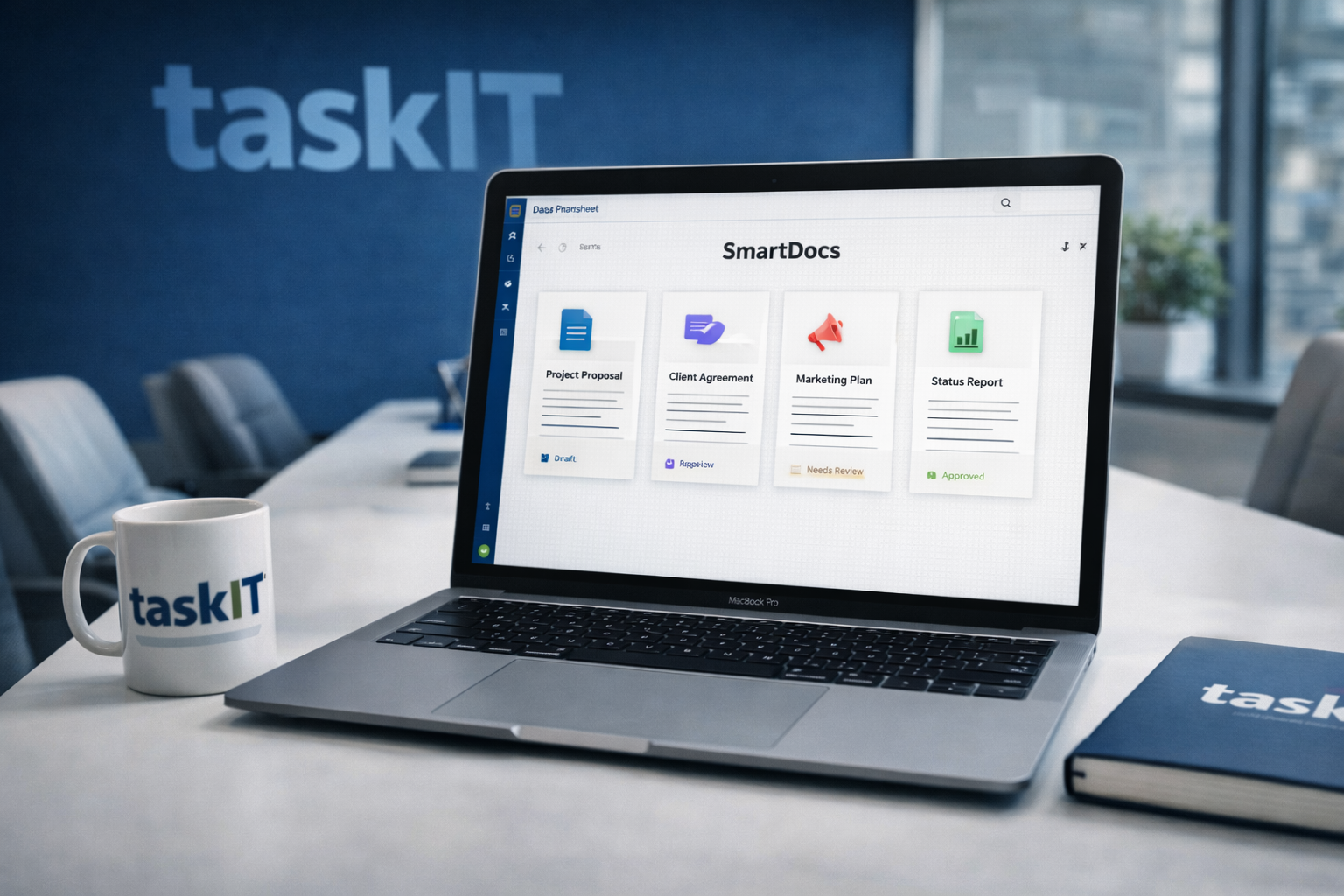
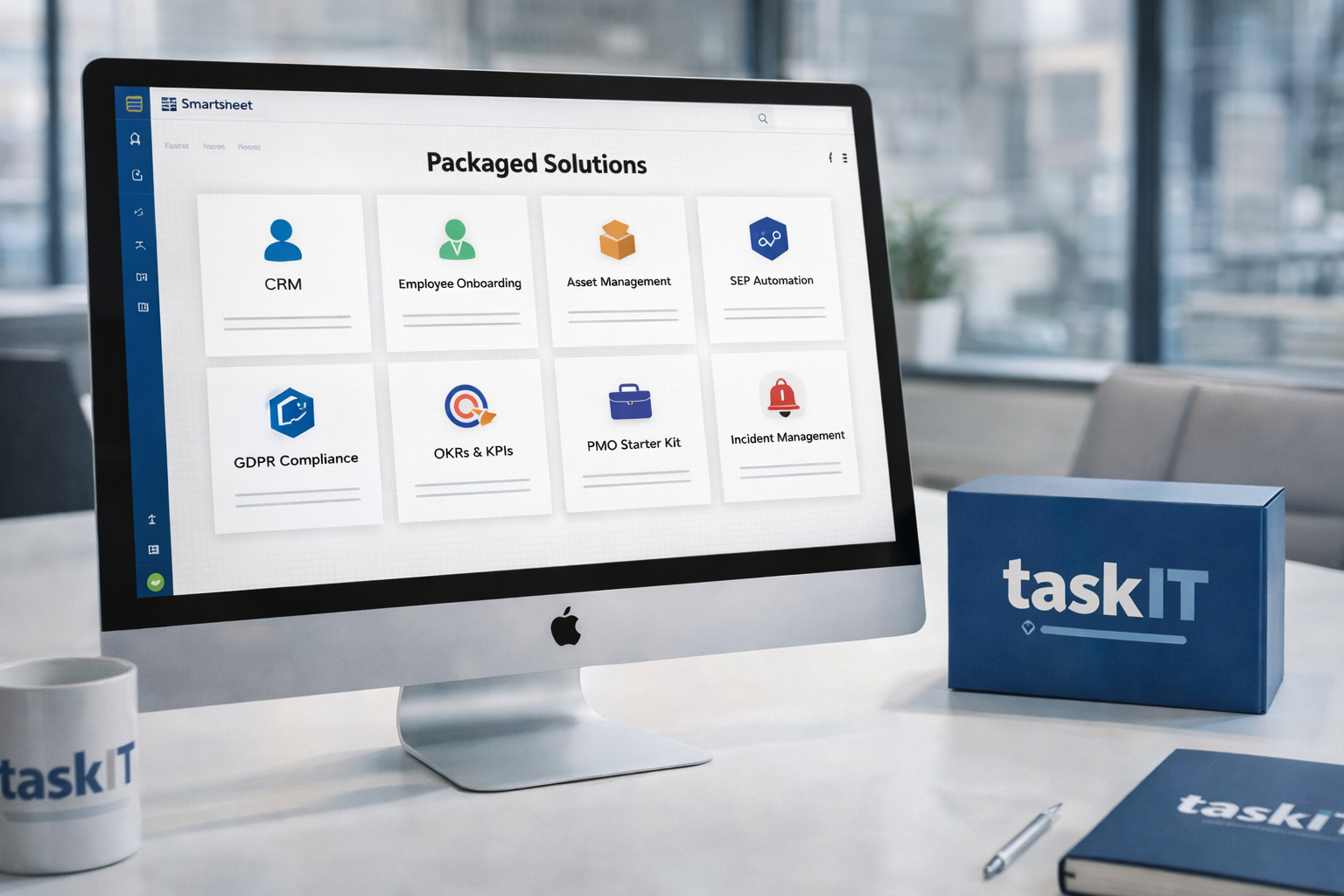
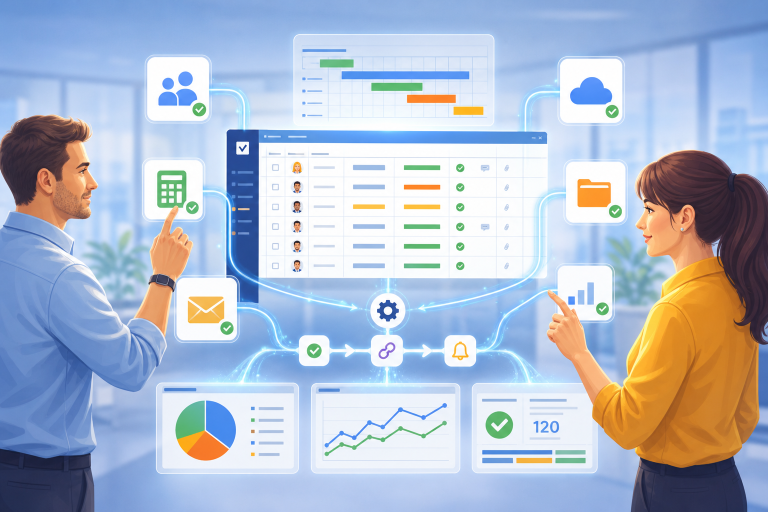
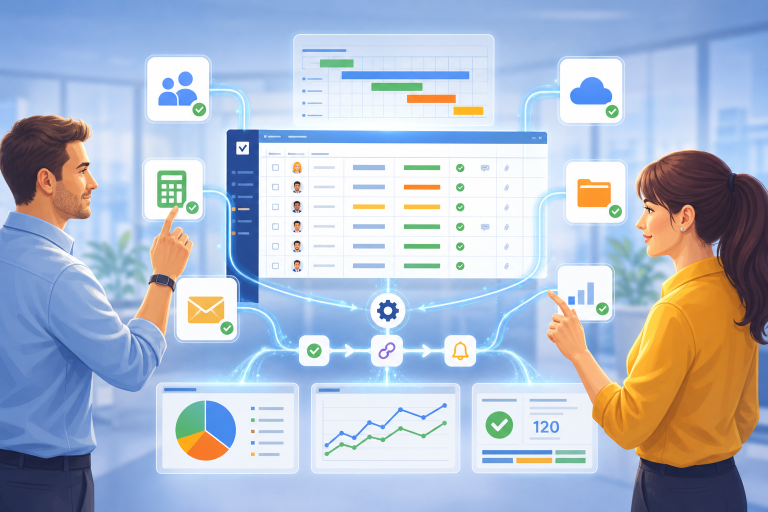
Smartsheet is a work management platform that combines collaboration, automation, dashboards, forms, reports, and governance. In Brazil, TaskIT supports companies that need to purchase, implement, and scale Smartsheet by providing context specific to the local market, consultative support, and a focus on business outcomes.
When it makes sense
- Teams need to manage projects, operations, approvals, or requests in a single source of truth.
- The company wants to move away from isolated spreadsheets without sacrificing business flexibility.
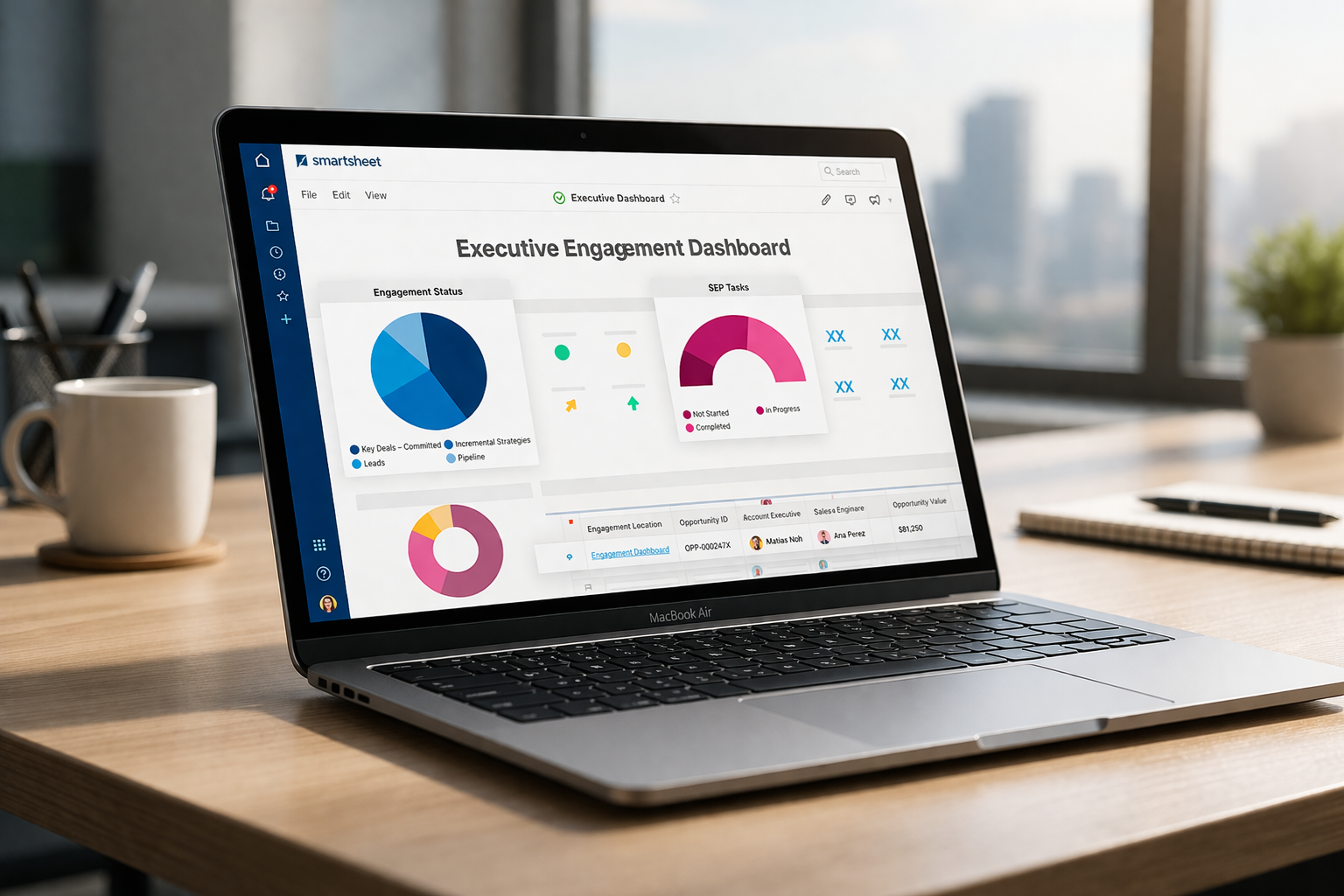
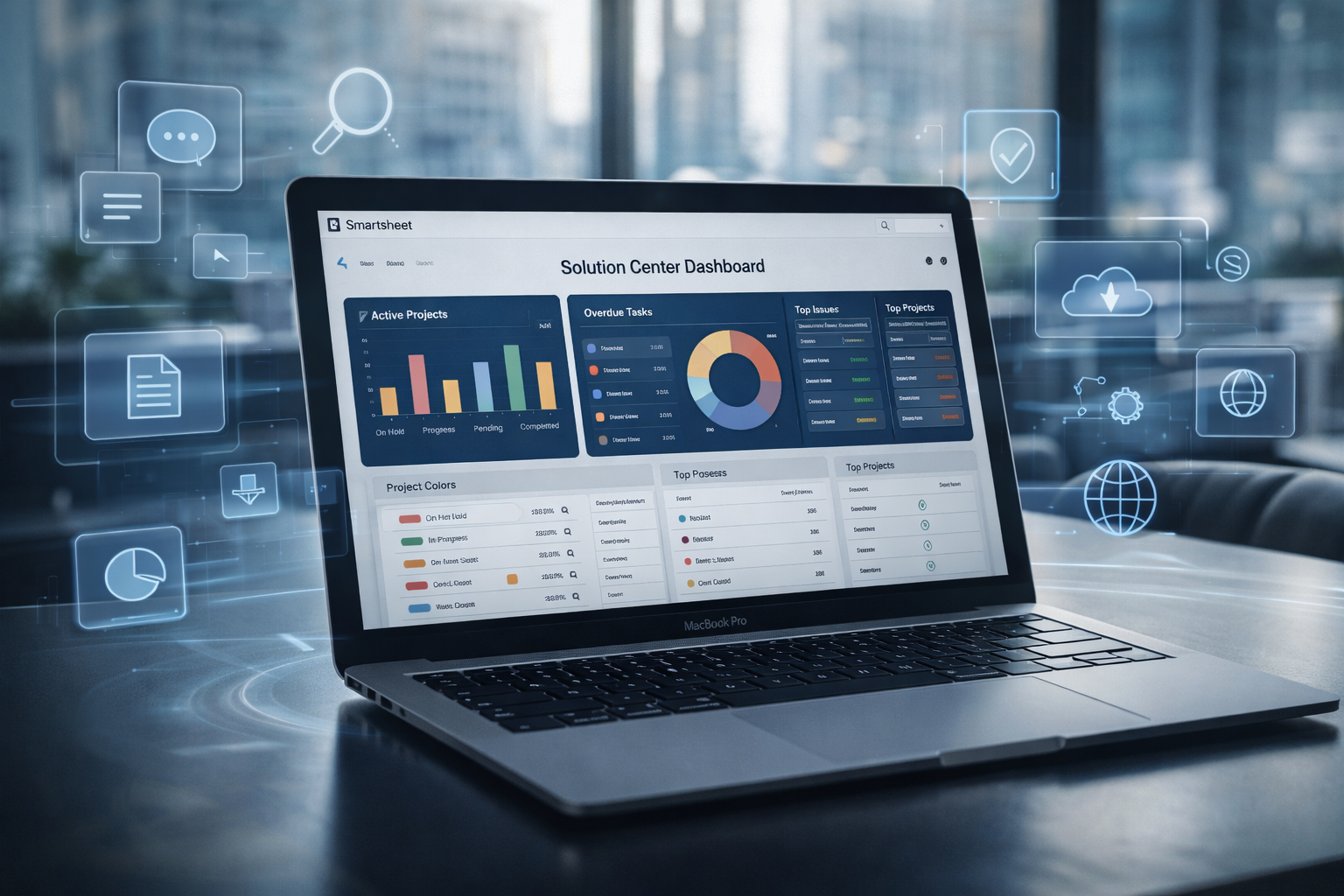
- Executives need reliable dashboards to monitor status, risks, and portfolio performance.
What TaskIT Offers
- Guidance on use cases, licenses, architecture, and the adoption roadmap.
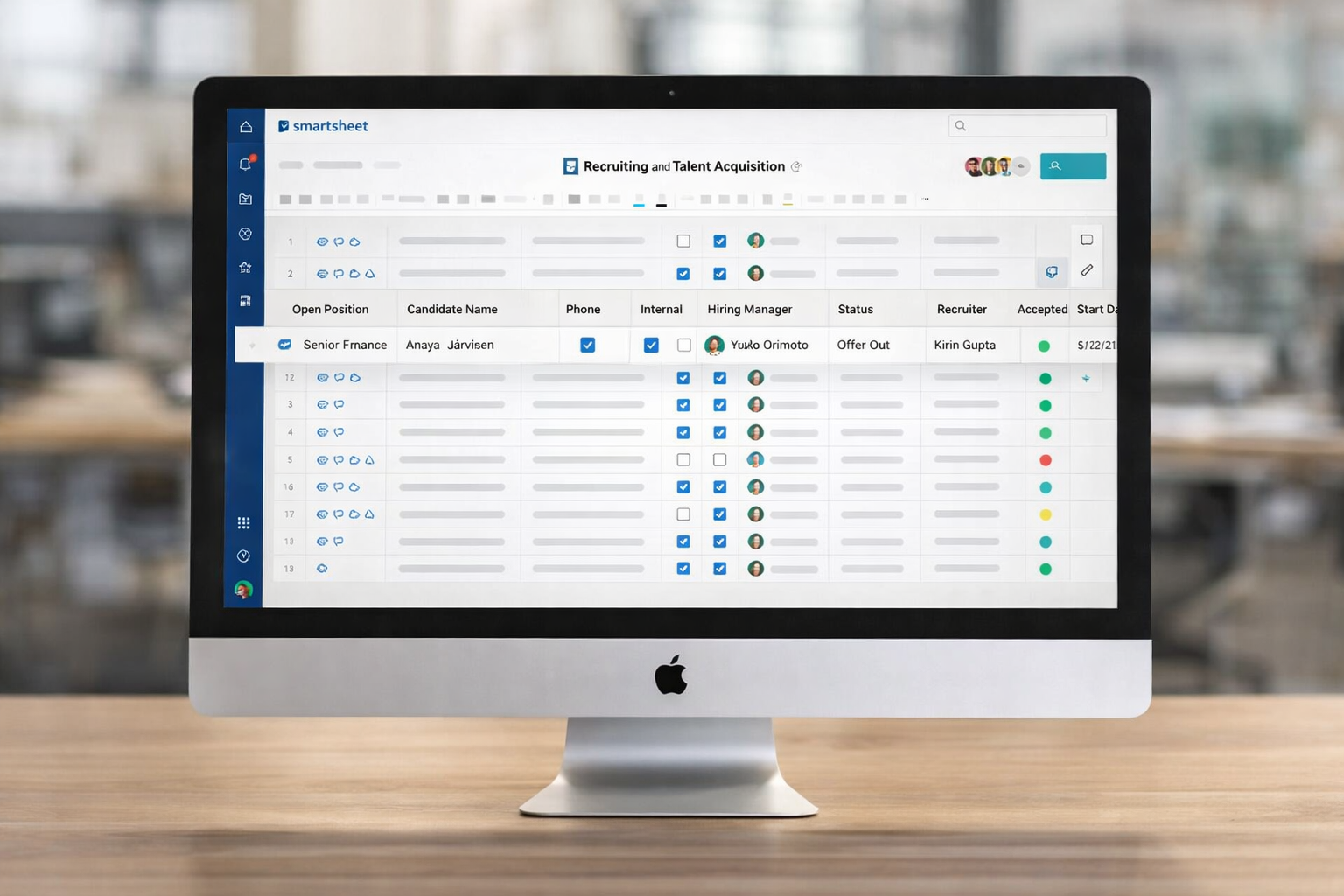
- Implementation using spreadsheets, reports, dashboards, forms, and automations.
- Training for users, administrators, and teams responsible for maintaining the platform.
Frequently Asked Questions
- What is Smartsheet?
- Smartsheet is a platform for managing work, projects, and processes through collaboration, automations, reports, dashboards, and integrations.
- Is Smartsheet useful for a PMO?
- Yes. PMOs use Smartsheet to standardize projects, track schedules, consolidate status, and provide executives with visibility into portfolios.
- Is Smartsheet useful for operations?
- Yes. Operations teams can use Smartsheet for recurring workflows, forms, approvals, request management, and execution indicators.
- What is the role of TaskIT?
- TaskIT translates business goals into Smartsheet solutions, including licenses, consulting, training, products, and support.
See also: What is Smartsheet | Smartsheet vs. Excel | Smartsheet training
Last updated: May 2026.
Decision Summary
Smartsheet no Brasil: como transformar ferramenta em sistema de gestão
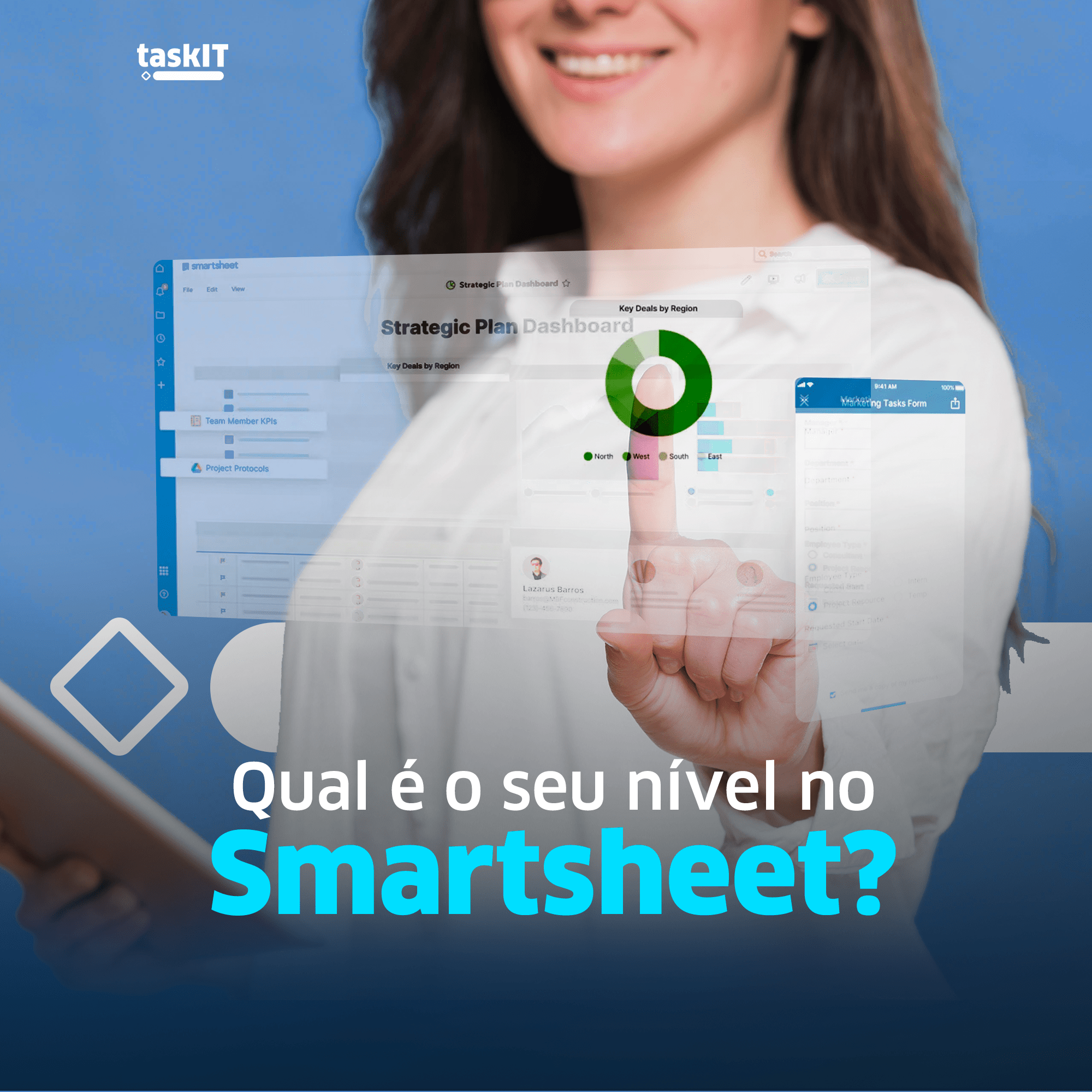
Smartsheet gera mais valor quando é tratado como uma camada de gestão do trabalho: padroniza informações, conecta equipes, automatiza tarefas e dá visibilidade para lideranças. A TaskIT atua no Brasil para aproximar a plataforma dos processos reais de cada empresa.
O projeto ideal combina estratégia de adoção, configuração técnica, treinamento e melhoria contínua. Assim, a empresa evita dependências excessivas de planilhas isoladas e reduz trabalho manual.
Selection criteria
- Escolher casos de uso com dor clara e patrocínio de negócio.
- Construir templates, dashboards e automações reaproveitáveis.
- Criar trilhas de treinamento para diferentes perfis de usuário.
- Acompanhar adoção e ajustar a solução após as primeiras semanas.
- Manter documentação e governança simples de seguir.
Signs that this approach makes sense
| Need | How Smartsheet Helps |
|---|---|
| Gestão de projetos e PMO | Cronogramas, reports e portfólio. |
| Operações recorrentes | Formulários, automações e dashboards. |
| Aprovações e solicitações | Traceable workflows. |
| Key Performance Indicators | Painéis atualizados na fonte. |
Last updated: May 2026.