
TaskIT offers complete services in Consulting, Implementation, Training, Products and Support for Smartsheet. To learn more about how we can help your company, schedule a demo.
How to access Smartsheet through Amazon QuickSight
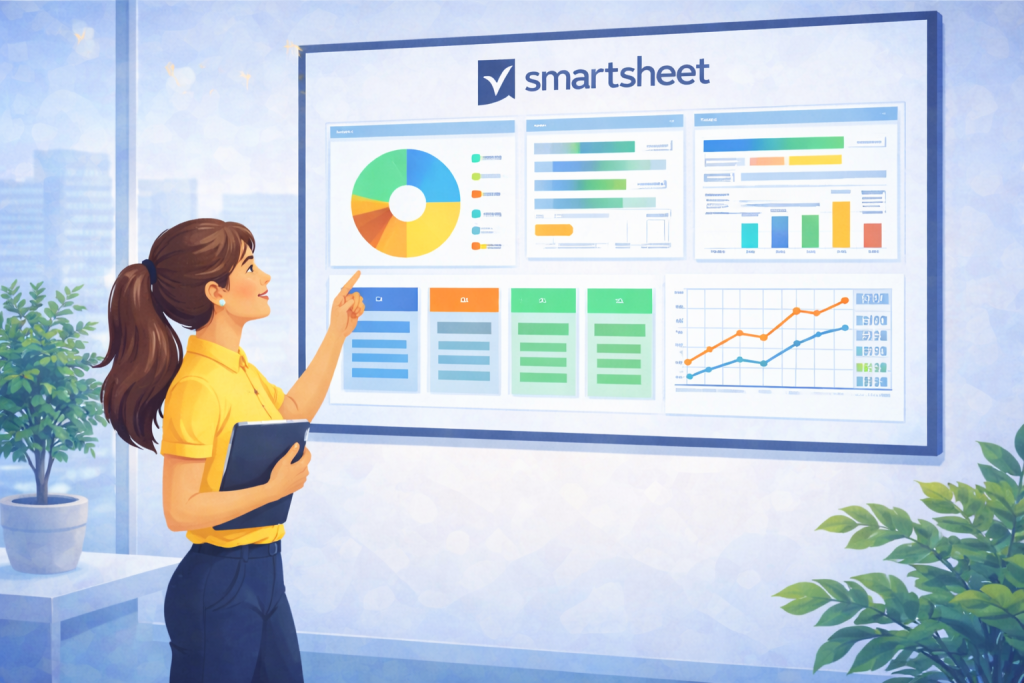
Smartsheet can be integrated with Amazon QuickSight for easy data analysis and visualization. This integration allows users to connect their Smartsheet spreadsheets directly to QuickSight, enabling them to create dynamic dashboards and reports based on the information stored in Smartsheet.
Steps to Connect Smartsheet to Amazon QuickSight
- Open Amazon QuickSight and go to the option to add a new data source.
- Select Smartsheet as the available data source.
- Authenticate your Smartsheet account by providing the necessary credentials to establish the connection.
- Choose the Smartsheet sheets or reports you want to import into QuickSight.
- Configure data update and synchronization parameters according to your needs.
- Finalize the connection to begin creating visualizations and analyzes in Amazon QuickSight using your Smartsheet data.
Benefits of Smartsheet integration with Amazon QuickSight
- Automatic updating of data, ensuring that analyzes are always up to date.
- Ease of creating personalized dashboards with information from Smartsheet.
- Improved decision making with quick access to clearly organized and visualized data.
| Topic | Summary |
|---|---|
| Data source | Smartsheet integrated with Amazon QuickSight |
| Authentication | Login with Smartsheet credentials |
| Data selection | Choosing spreadsheets and reports for analysis |
| Update | Auto-sync setup |
| Objective | Creation of dynamic dashboards and reports |
With this integration, Smartsheet on Amazon QuickSight offers an efficient solution for those looking to combine the collaborative management power of Smartsheet with the advanced analytics and visualization capabilities of QuickSight.


