
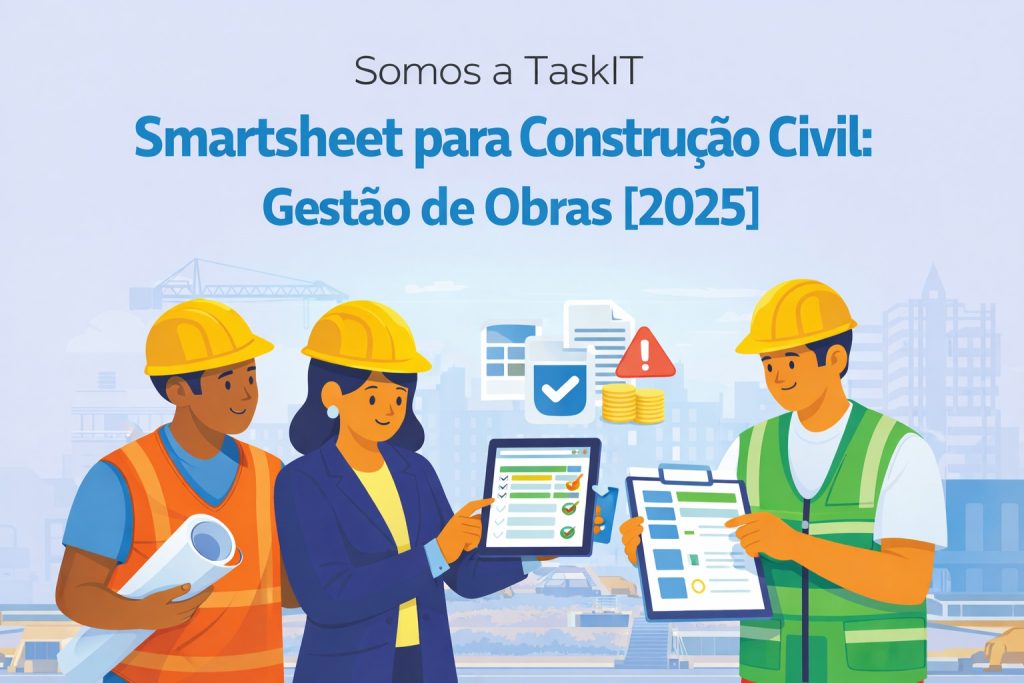
O Smartsheet for construction is revolutionizing construction management in Brazil. From contractors to large construction companies, companies are abandoning Excel spreadsheets and antiquated systems.
In this guide, you’ll discover how to use Smartsheet to:
- Work schedules
- Material control
- RDO (Daily Work Report)
- Measurements and physical advancement
- Subcontractor management
Why Does Civil Construction Need Smartsheet?
Works are complex projects with:
- Dozens of interdependent activities
- Multiple teams and subcontractors
- Tight deadlines and late fees
- Millionaire budgets
- Extensive documentation
Smartsheet solves these challenges with:
- Graphics Gantt Chart in Smartsheet for visual timelines
- Automatic dependencies between activities
- Mobile forms for RDO on site
- Dashboards for stakeholders
- Alerts of delays and deviations
1. Work Schedule
The heart of construction management. In Smartsheet:
Features:
- WBS Structure (Work Breakdown Structure)
- Automatic Gantt Chart
- End-Start, Start-Start Dependencies
- Highlighted critical path
- Baseline to compare planned vs accomplished
- Resources and costs per activity
Benefit: Clear view of deadlines and impact of delays.
2. RDO (Daily Work Report)
Collection of daily information directly from the construction site.
Process:
- Mobile form to be completed by the person in charge
- Directly attached photos
- Weather, team, activities information
- Automatic engineer approval
- Consolidation in weekly report
Data collected:
- Climatic conditions
- Effective on site (own and third parties)
- Equipment used
- Activities performed
- Occurrences and outages
- Photographic record
3. Materials Control
Purchasing and inventory management on site.
Features:
- Purchase requests via form
- Approval workflow (engineer → purchasing → management)
- Delivery tracking
- Inventory control
- Reorder point alerts
- Consumption vs budgeted report
4. Measurements and Physical Progress
Monitoring the progress of the work for measurements.
System:
- Budget spreadsheet items
- Quantity contracted vs executed
- Automatic percentage calculation
- Proof photos
- Inspector approval
- Generation of measurement report
5. Subcontractor Management
Control of third parties and their deliveries.
Features:
- Business registration
- Documentation (CREA, certificates, insurance)
- Contracts and values
- Measurements by subcontractor
- Performance evaluation
6. Work Safety
OSH management on site.
Processes:
- Daily security checklist
- DDS Record (Daily Security Dialogue)
- Control of PPE delivered
- Occurrence record
- Safety indicators (frequency rate)
Example: Work Dashboard
An executive dashboard can show:
- General progress of the work (%)
- SPI (Schedule Performance Index)
- CPI (Cost Performance Index)
- Planned vs Realized S Curve
- Late activity alerts
- End forecast
Useful Integrations
- AutoCAD/Revit: Link to technical drawings
- PowerBI: Advanced reporting
- ERP (SAP, Totvs): Financial integration
- Drones: Attached aerial photos
Success Stories
TaskIT has already implemented Smartsheet in:
- Building construction companies
- Infrastructure companies
- Specialized contractors
- Construction managers
Typical results:
- 40% less time on reports
- Real-time visibility for management
- Reduction in rework due to lack of information
- Improved communication with customers
Implementation with TaskIT
A TaskIT offers:
- Diagnosis of current processes
- Customized solution design
- Complete Smartsheet Setup
- Training for engineers and field staff
- Support during deployment
Schedule a demo for your construction company.
Frequently Asked Questions
Does Smartsheet work offline on site?
The mobile app has limited offline capabilities. To fill out forms offline, there are integrations with specialized tools.
Can I import my MS Project timeline?
Yes! Smartsheet imports .mpp files directly, maintaining dependencies and resources.
Does Smartsheet replace Sienge or ERP?
It does not replace, but complements. Smartsheet is excellent for operational management of the work, while ERPs focus on finance/accounting.
📚 Related Articles
Benefits of Smartsheet for Project Management
O Smartsheet offers a complete work management platform that helps teams achieve superior results. With features like automations, dashboards, and real-time collaboration, your organization can:
- Increase productivity with automations that eliminate repetitive manual tasks
- Improve visibility of projects with real-time dashboards and reports
- Facilitate collaboration between distributed teams with real-time updates
- Standardize processes with consistent templates and workflows
Boost Your Results with Smartsheet
O Smartsheet is a world-leading collaborative work management platform, used by more than 80% of Fortune 500 companies. With a familiar spreadsheet interface and advanced automation features, the tool transforms the way teams plan, execute and deliver projects.
Key Smartsheet features for your organization:
- Smart automations: Set up automatic workflows to eliminate repetitive manual tasks and reduce errors
- Real-time dashboards: View the status of all projects in a single dashboard with automatically updated metrics
- Effective collaboration: Work simultaneously with internal and external teams while maintaining version control
- Native integrations: Connect with Microsoft 365, Google Workspace, Salesforce, Jira and 100+ other tools
- Advanced reporting: Generate consolidated reports from multiple spreadsheets for strategic analysis


