
Introduction
When HR grows, the mess grows with it: scattered spreadsheets, unanswered emails, missed deadlines and steps that rely too much on memory. Smartsheet for HR addresses precisely this sensitive point, helping to transform repetitive routines into clear, traceable and easier-to-follow flows.
The advantage is not just “having a beautiful spreadsheet”. It’s about standardizing admission, training and assessments without losing flexibility. For corporate teams, this means less rework, less noise between areas and more control over what needs to happen, who is responsible and when each deliverable must be completed.
What Smartsheet for HR solves in practice
In corporate HR, much of the work is recurring. There is onboarding of new employees, updating documents, training trails, periodic evaluations, monitoring managers and tasks with a defined deadline. The problem is that these steps are usually distributed among spreadsheets, parallel systems and loose messages.
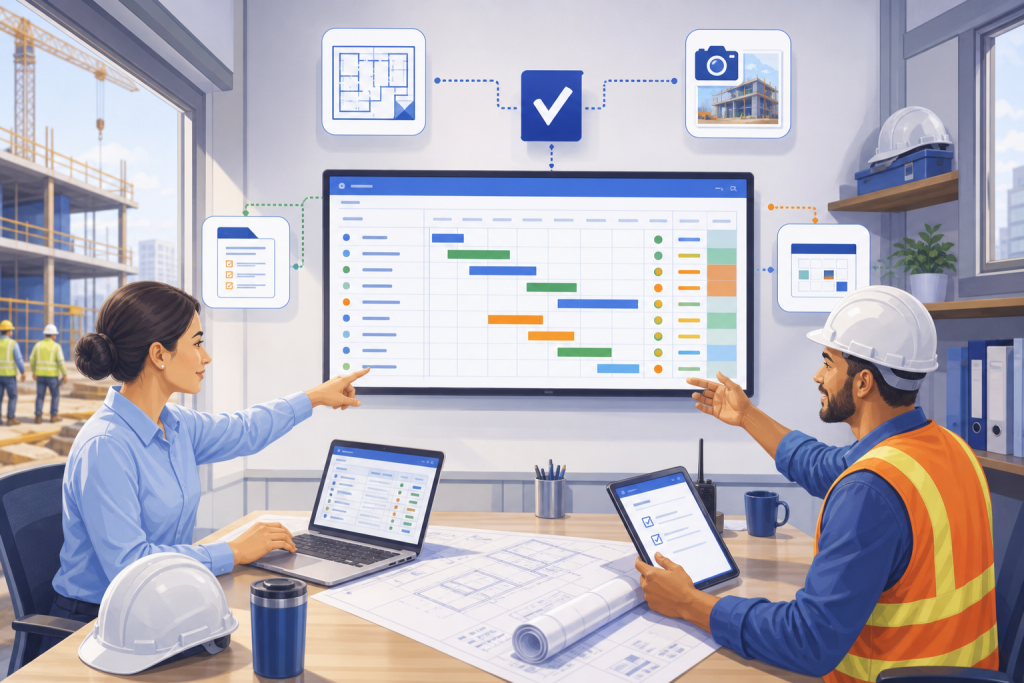
Smartsheet works well when the objective is to centralize internal processes and provide visibility into the flow. It allows you to create spreadsheets with automations, alerts, forms and statuses, which helps HR get out of reactive operations. Instead of chasing information, the team starts to follow the process from end to end with more predictability.
In practice, this improves three fronts: organization, governance and execution. The organization comes from the standardized structure. Governance appears in traceability. And execution improves because each step can trigger notifications, approval requests, and status changes without manual intervention at all.
How to automate admissions without relying on manual control
Intake is one of the best use cases for Smartsheet for HR. There are tasks that are repeated over and over again: sending documents, creating access, collecting signatures, reserving equipment, updating registration and communicating with partner areas. When this is in different hands, the risk of delay increases significantly.
With Smartsheet, HR can create a flow with people responsible, dates, status and automatic alerts. A form can start the process, an automation can notify the manager and another can charge the IT or facilities team when a task is due. The result is a more organized onboarding and a more professional experience for the new employee.
An important detail: good automation is not complex automation. In many cases, what works is to have a simple sequence, with mandatory fields and clear rules for each step. The gain comes from consistency, not over-engineering.
Training with visible trails and real monitoring
Internal training tends to fail for a simple reason: no one clearly sees what has already been completed, what is late and what depends on another team. Smartsheet helps provide visibility to this journey, especially when there are many employees, classes or units.
You can use the tool to control registration, attendance, completion of modules, pending issues and certifications. In corporate sectors, this is useful for integrating new employees, mandatory retraining, compliance training and training by function. The HR team can monitor everything in a single view, while managers receive alerts about what remains to be completed.
This approach improves control without blocking the process. Instead of relying on spreadsheets sent via email, HR creates a live, updated and accessible database. This reduces noise and helps with decision making, especially when training volume increases.
Performance evaluations with more rhythm and less improvisation
Performance evaluation also benefits a lot with Smartsheet for HR. In quarterly, semi-annual or annual cycles, the biggest challenge is usually the same: remembering deadlines, collecting responses, consolidating data and keeping leadership engaged without turning into a manual marathon.
With reminder automations, evaluation forms and monitoring panels, HR gains a view of progress by area, manager or unit. This makes it easier to collect outstanding issues and prevents the process from being concentrated among a few people. Furthermore, standardization helps to compare cycles over time more reliably.
It is worth noting a strategic point: assessment is not just about collecting grades. When the flow is well designed, it also strengthens the conversation between employee and manager. Smartsheet provides operational support so that the process happens on time and with less administrative strain.
Uses in different niches and sectors within the corporate
Although the focus is on corporate HR, the logic adapts well to different contexts. At technology companies, Smartsheet can support rapid onboarding and squad-based training tracks. In retail chains, it helps control volume admissions and training per store. In industries, it can organize processes linked to safety, integration and mandatory recycling.
In service companies, the tool works great for flows with multiple approvals and support teams. In distributed operations, it helps maintain standards between branches, preventing each unit from adopting its own control. The value lies precisely in this ability to create a replicable model, without losing local adaptation.
This versatility explains why Smartsheet frequently appears in editorial journeys linked to management, processes and automation. It does not replace HR strategy. But it supports the execution much more clearly.
Where Smartsheet excels and where it demands caution
Smartsheet’s main strength is the combination of spreadsheet, automation and visual tracking. For teams that already think about processes, this is a big advantage. The adoption curve tends to be simpler than with very rigid tools, especially when HR needs to start with something functional and evolve later.
On the other hand, the tool requires discipline. If the fields are poorly defined, if those responsible are not clear or if the flow does not reflect the company’s reality, automation will only accelerate disorganization. Another important precaution is to avoid creating processes that are too complex for simple demands.
In practice, the best use of Smartsheet for HR usually arises from an objective question: which routine is repeated, depends on several people and currently consumes too much time? From then on, the flow design becomes more assertive.
Main points
- Smartsheet for HR is most useful when the routine is recurring and involves several areas.
- Admission, training and assessments are strong cases because they depend on steps, deadlines and responsible parties.
- Well-done automation reduces rework, improves traceability and gives HR more predictability.
- The tool works best with simple flows, clear fields, and well-defined liability rules.
- The real gain comes from process standardization, not configuration complexity.
How to put it into practice
- Map out a repetitive HR routine that currently depends on emails and loose spreadsheets.
- Define steps, responsible parties, deadlines and approval points before automating.
- Create a pilot flow for one area or unit rather than trying to cover everything at once.
- Set up alerts for critical tasks like signing documents and completing training.
- Review the process after a complete cycle and adjust fields, statuses and notifications.
- Use monitoring panels to provide visibility to leaders and partner areas.
- Standardize status and category names to avoid different interpretations between teams.
Comparison of the use of Smartsheet in corporate HR
| Process | Biggest benefit | Main risk |
|---|---|---|
| Admission | Reduce delays and centralize pending issues | Too many dependencies without a defined owner |
| Training | Monitor completion and pending issues in real time | Flow without status update |
| Reviews | Automate reminders and consolidate steps | Slow collection when leaders don’t adhere |
| Integration between areas | Give visibility to shared work | Poorly designed process turns into confusion |
| Distributed operations | Standardize routines between branches | Each unit creates different rules |
Conclusion
Smartsheet for HR makes a difference when the objective is to organize internal processes that are repeated and involve several people. Instead of relying on parallel controls, HR gains a structure that helps to monitor each step more clearly.
For admission, training and assessments, the logic is the same: less improvisation, more standard and more predictability. This improves the operation and also the experience of those on the other side of the process.
If the HR routine already seems too big to be solved with loose spreadsheets, Smartsheet could be the turning point between tracking tasks and actually managing recurring flows with consistency.
Next step
If your company’s HR is always putting out fires with spreadsheets and loose messages, it’s worth taking a closer look at Smartsheet as a basis for automation. Start with a single flow, test, adjust and expand as you see fit.
FAQ
Is Smartsheet suitable for HR in large companies?
Yes. It works very well in corporate teams with many steps, approvals and areas involved, especially when the process needs visibility and automation.
Can you use Smartsheet to hire new employees?
It does, and this is one of the strongest uses. It is possible to organize tasks, responsible parties, deadlines, alerts and onboarding monitoring in a single flow.
Does Smartsheet Replace an HR System?
Not necessarily. It complements internal processes and recurring flows well, but does not alone replace a complete payroll, point or registration system, if this is already required by the operation.
What is the biggest benefit of Smartsheet for HR?
The biggest gain is predictability. HR can now see the progress of routines, reduce rework and collect outstanding issues with much more clarity.
Is it better for simple or complex processes?
It works for both, but it tends to deliver more value in processes that have several steps, dependencies and different people in charge.


